Printing a document at a supermarket can cost two to three times more than at a self-service specialist stationery store, or it can be significantly cheaper than going to a neighborhood shop. It all depends on the volume, the type of printing (black and white or color), and the chosen store. To clarify, this article compares the known rates of kiosks in supermarkets and specialized stores, and then details the factors that really affect the bill.
Self-service printing rates: Carrefour vs. Bureau Vallée
The Copy ME kiosks installed in some Carrefour stores allow you to print and photocopy documents in A4 format. Prices vary by store and are not always displayed online. Bureau Vallée, on the other hand, publishes a detailed pricing grid that serves as a benchmark for evaluating the positioning of each brand.
| Type of printing (A4) | Bureau Vallée self-service (incl. VAT, 1 page) | Bureau Vallée self-service (incl. VAT, 10-499 pages) |
|---|---|---|
| Black and white | €0.15 per page | €0.07 per page |
| Color | €0.65 per page | €0.40 (50-99 p.) then €0.33 (100-199 p.) |
| Black and white with labor | €0.25 per page | €0.10 per page |
| Color with labor | €0.75 per page | €0.45 (2-49 p.) |
The Carrefour rates are not centralized on a single site. The price of a single black and white copy at a self-service kiosk is generally comparable to that of a stationery store for small volumes. However, for prints of several dozen pages, specialized stores apply significant tiered discounts that Carrefour kiosks do not always offer.
For those needing details on the procedure and costs in-store, the printing and photocopying of documents at Carrefour remains the most comprehensive resource.
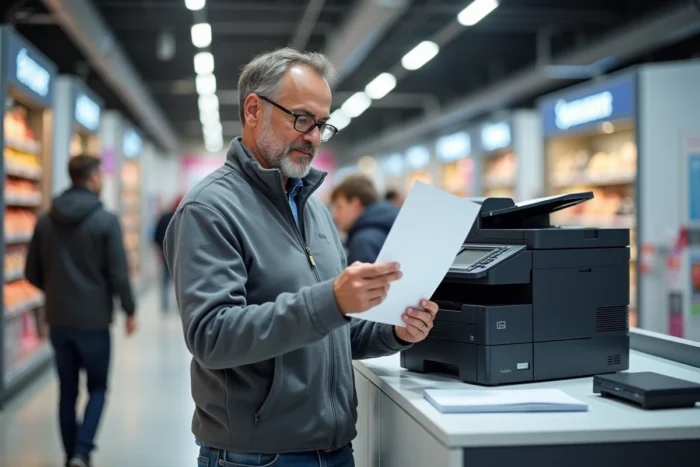
Copy ME kiosk at Carrefour: accepted formats and file transfer
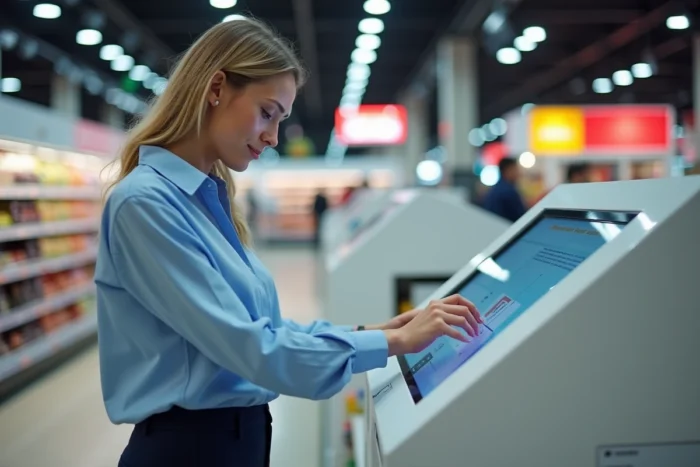
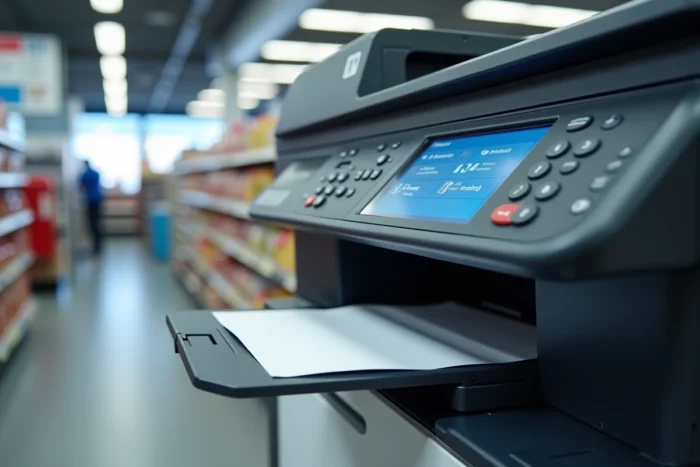
A parameter rarely compared between brands concerns file formats and transfer methods. The Copy ME kiosks accept documents sent from a USB stick or a smartphone. Transfer from the phone is done via a wireless connection or through an online interface accessible directly on the kiosk screen.
Common formats (PDF, JPEG, PNG) are supported. Word or Excel files often require prior conversion to PDF to avoid layout shifts.
- USB stick: plug directly into the kiosk, select the file, choose printing options (color, number of copies, double-sided if available).
- Smartphone: connect to the kiosk’s Wi-Fi network or scan a QR code displayed on the screen, then download the document via the phone’s browser.
- Scan to email: some kiosks allow you to scan a paper document and send it directly to an email address, without printing costs.
The free scanning feature (or at very low cost) represents a concrete advantage over copy shops, where scanning is charged per page.
Availability of kiosks by Carrefour store format
Not all Carrefour stores have a printing kiosk. The Copy ME service is primarily deployed in hypermarkets and some Carrefour Markets. Carrefour City, Express, and Contact generally do not have them.
Checking for the presence of a kiosk before going avoids wasting time. No centralized tool lists all equipped stores. The most reliable method remains to call the store or check its local page (Google Maps, store’s Facebook page).
Hours and traffic
The kiosks are accessible during the store’s opening hours, including Sunday mornings in hypermarkets that open that day. The least busy times are early in the morning on weekdays. On Saturday afternoons, the wait can reach several minutes if other customers are using the store’s single kiosk.
Printing at Carrefour and invoicing for professionals
A forthcoming regulatory change deserves attention. Starting from September 1, 2026, supermarkets like Carrefour will be required to issue an electronic invoice for any purchase between professionals (B2B). The simple receipt will no longer suffice for a sole trader or a small business printing documents in-store.
For professionals who regularly use printing kiosks, this means systematically requesting a compliant invoice from the store’s reception after payment. The kiosk receipt alone will no longer constitute a valid accounting document in a B2B context.
Concrete impact for sole traders
A sole trader printing their contracts or quotes at Carrefour will need to anticipate this process. The electronic invoice must mention the buyer’s SIRET number and comply with a standardized format. In practice, it’s best to check with the store’s customer service if this procedure is already in place or if it will be operational by the expected date.
Carrefour or specialized brand: which choice based on volume
The choice between a Carrefour kiosk and a brand like Bureau Vallée depends on the number of pages to print and the degree of urgency.
- For one to five pages in black and white (administrative form, certificate, copy of ID), the Carrefour kiosk is sufficient and the cost remains marginal.
- For a file of several dozen pages, the tiered pricing of Bureau Vallée in self-service significantly lowers the unit price by half or more compared to the unit rate.
- For a scanning need without printing, the Carrefour kiosk with email sending is often more economical than a copy shop.
- For color prints in volume (presentation materials, portfolios), the price gap widens significantly in favor of specialized stores.
The overall price image of Carrefour, considered among the most expensive brands according to a UFC-Que Choisir survey from June 2026 (covering food products), does not directly translate to printing services. The rates of the Copy ME kiosks remain competitive for very small volumes. Beyond a dozen pages, comparing with a stationery store or an online printing service becomes cost-effective.